Edit an OpenAPI API
An OpenAPI 3.0 or 3.1 document is a tree in the side bar and a form for each of its nodes. The tree adds, renames and deletes entries; the forms edit them, and are taken here in the order of the document. Schemas have a chapter of their own.
The tree
The tree starts with the Specification row, whose form edits the document’s top level, then the sections: Info, Servers, Tags, Paths, Webhooks (OpenAPI 3.1) and Components. Under Paths the operations are grouped by tag, with their method as a badge and their summary beside them; an operation with two tags is under both, and one without a tag under Untagged. Components lists each kind the document has: schemas, responses, parameters, examples, request bodies, headers, security schemes, links, callbacks and, in 3.1, path items.
Type in the Search box to keep only the rows whose name or summary match, with the rows above
them. A badge on a row counts the problems under it. A click opens the node’s form; the arrow
keys move, → and ← open and close a row, and Enter opens the form.
Add, rename and delete
Each collection has a + at the end of its row: Servers adds a server, Tags a tag, Paths an
operation, and Components asks which kind to add. A new operation asks for its method and its
path template, and goes under that path, which is created when the document lacks it. The new
entry gets a free name, such as /new-path, numbered when the name is taken, and its form opens.
Insert does the same from the keyboard.
The menu at the right of a row, or a right click, offers Rename… for an entry of a map (a path,
a component, a webhook) and Delete… for any entry. F2 and Delete are their keys. A rename
updates every $ref that named the entry, in every open file. A delete first lists the references
that would break and what else would notice, such as 2 operations list pets, and will keep it as a
tag that is not declared, and waits for your confirmation.
The forms
Every form has the same frame: its location as a trail of links in the header, Show as code to
edit the node as text, Delete… where the node is an entry, the node’s own problems under the
header, and, at the end, the keys the form does not model, each marked (edited as code), with
the x- extensions under Extensions. A description is a Markdown field with Write and
Preview tabs.
Specification
The Specification row’s form shows the OpenAPI version and, for 3.1, the JSON Schema dialect, and lists the document’s sections with a count and an Open or Add for each: Info, Servers, Paths, Webhooks, Components, Security, Tags and External documentation.
Info
Title, Version, Summary (3.1), Description, Terms of service, then Contact with its name, email and URL, and License with its name, URL and, in 3.1, its SPDX identifier.
Servers
The Servers form is a table of URL and description with Add server. A server’s own form adds
its variables: a table of name, default, allowed values and description, and an Add variable
{region} button for each {placeholder} of the URL that has no variable yet.
Tags
The Tags form is a table of name and description. A tag’s form lists the operations that carry the tag, each a link to its form, and renaming the tag renames it in those operations.
Path item
The Template field at the top renames the path. Change {id} to {petId} in it and the path
parameter follows. Add {version} and a required string path parameter version joins the
path; remove one and the parameter goes. Parameters of every operation is the table of the
path’s own parameters. Above it, a warning names each {variable} that has no parameter here or
in every operation, as after an edit in code, with Add path parameter version; another names a
path parameter the template lacks, with Add {version} to the template. Below, the Operations
table opens or removes each operation, and Add GET, Add POST and the other methods add one.
Operation
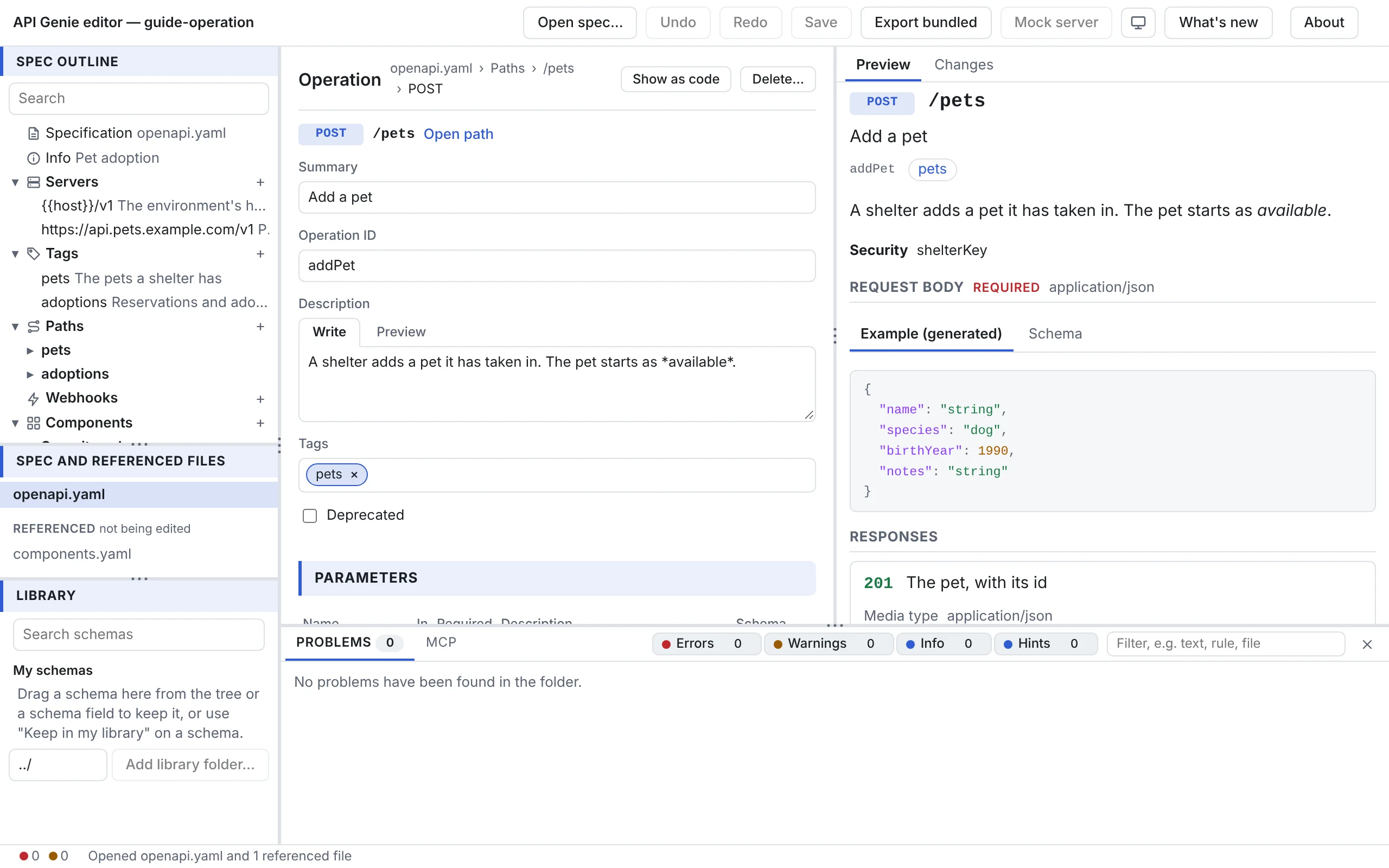
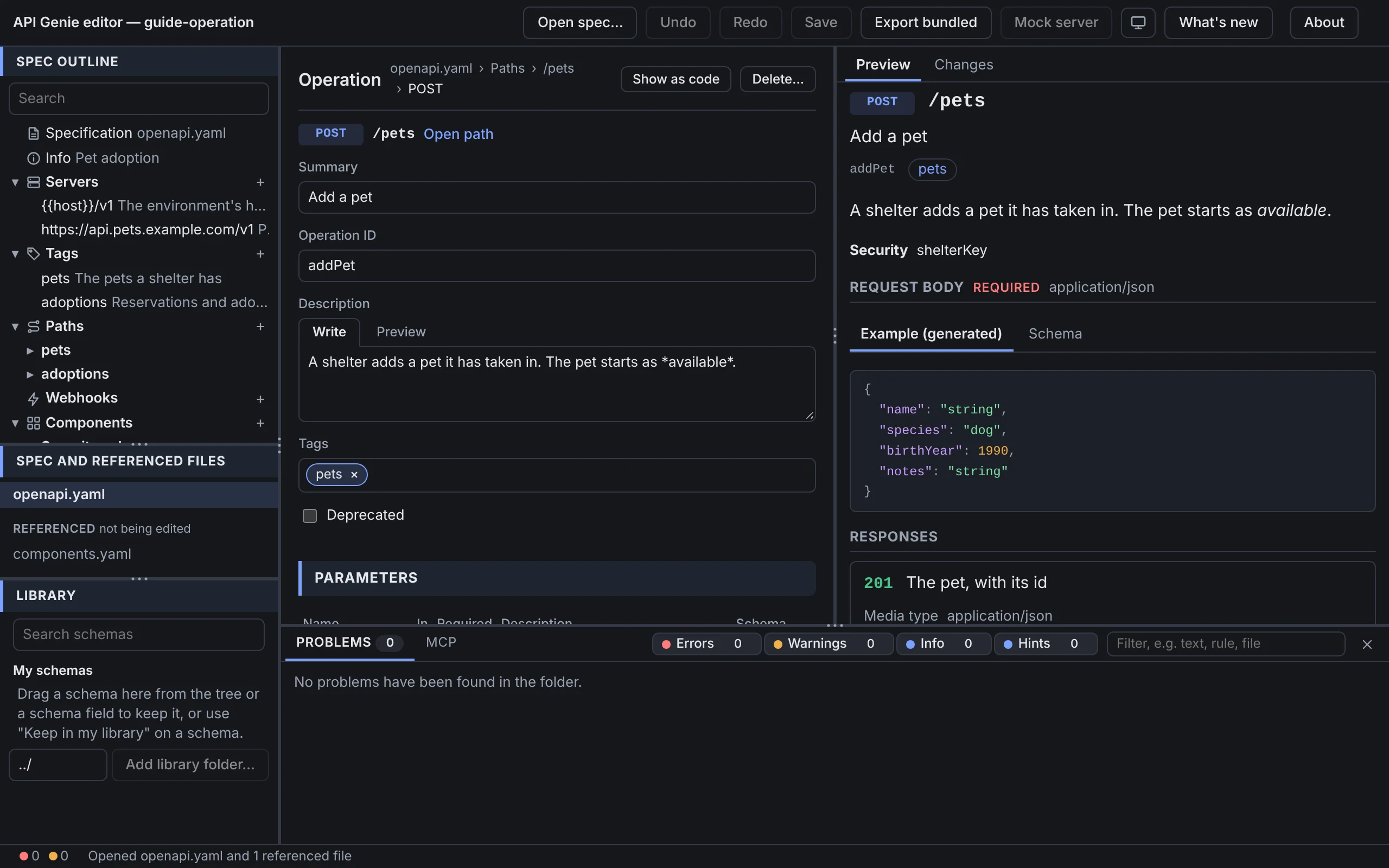
The operation’s line at the top shows its method and path, with Open path beside it. Then:
- Summary, Operation ID, Description, Tags (type a tag or pick a declared one; a tag that is not declared is marked) and Deprecated.
- Parameters: those inherited from the path as chips, then the operation’s own in a table of
name, place (query, header, path, cookie), Required, description and schema. A
parameter defined by
$refshows the component’s name as a chip that opens it. Add parameter adds a query parameter; Open on a row shows the parameter’s full form, with its style, explode, example and examples. - Request body: Add request body creates one with an
application/jsonschema; then its description, Required, and a table of media types, each with its schema. The Add media type… menu offers JSON, XML, form-encoded, multipart, plain text and binary. A request body defined in Components is a chip. - Responses: one block per status code with its description, media types and the headers and links it declares as chips. Add response… lists the codes the document uses elsewhere first, then the common ones, each with a ready description such as 404 Not found. Open response shows the full response form, where headers, content and links are tables.
- Security: Like the API, None, or These schemes, which lists requirements by scheme name with their scopes. The schemes come from the document’s components.
- Servers of the operation alone, and External documentation.
Components
The Components form lists each section with its count and an Open or Add. A section is a table of entries with Open and Remove, and a name field with Add for a new one. The forms of the entries follow the standard. A parameter or a header has its place, style and explode. A response has its headers, content and links. A request body holds media types; a media type has its schema, example, examples and encoding, and an example its summary, description, value and external value. A link has its operation and description, and a callback is edited as path items.
A security scheme form shows the fields of its type: name and place for apiKey, scheme and bearer format for http, the discovery URL for openIdConnect, and for oauth2 one section per flow (implicit, password, clientCredentials, authorizationCode) with its URLs and a table of scopes; Add a flow adds one that is missing.
A reference form, for a node that is only a $ref, shows the reference with a button that
opens its target, or says that the reference leads nowhere or outside the open files.
Hosts
The tree and the forms are the same on the web, on the desktop and in VS Code. In VS Code, Show as code reads Show in the text editor and opens VS Code’s editor at the node instead.
Next
Edit schemas opens the schema editor that every schema field leads to.