Fix problems
The editor checks the open files as you type, with the same checks apigenie lint runs, and shows
each finding where you can act on it: under the field, in the code and in the Problems tab. The
linter reads the project’s configuration, so the editor and CI find the same things.
Where problems show
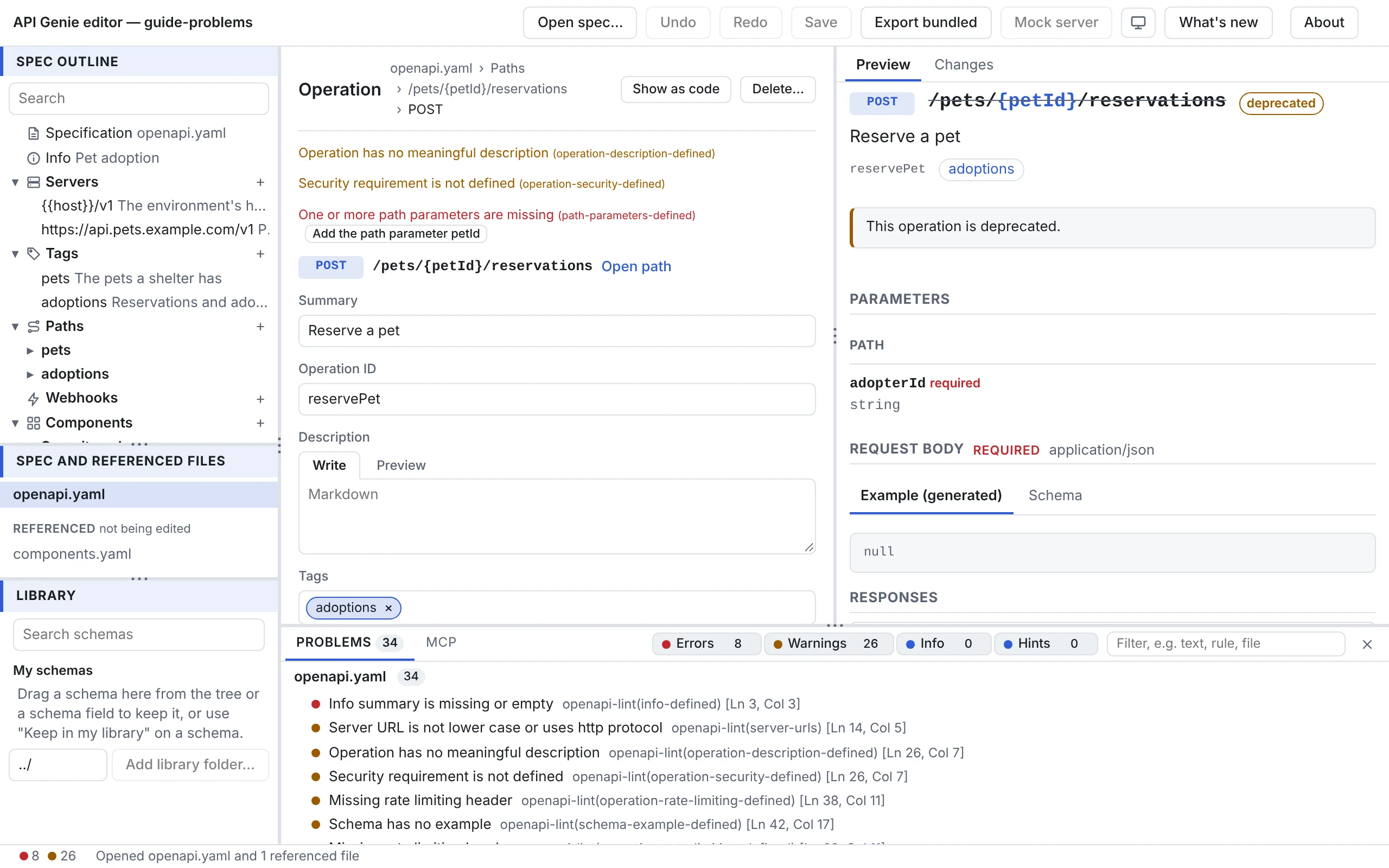
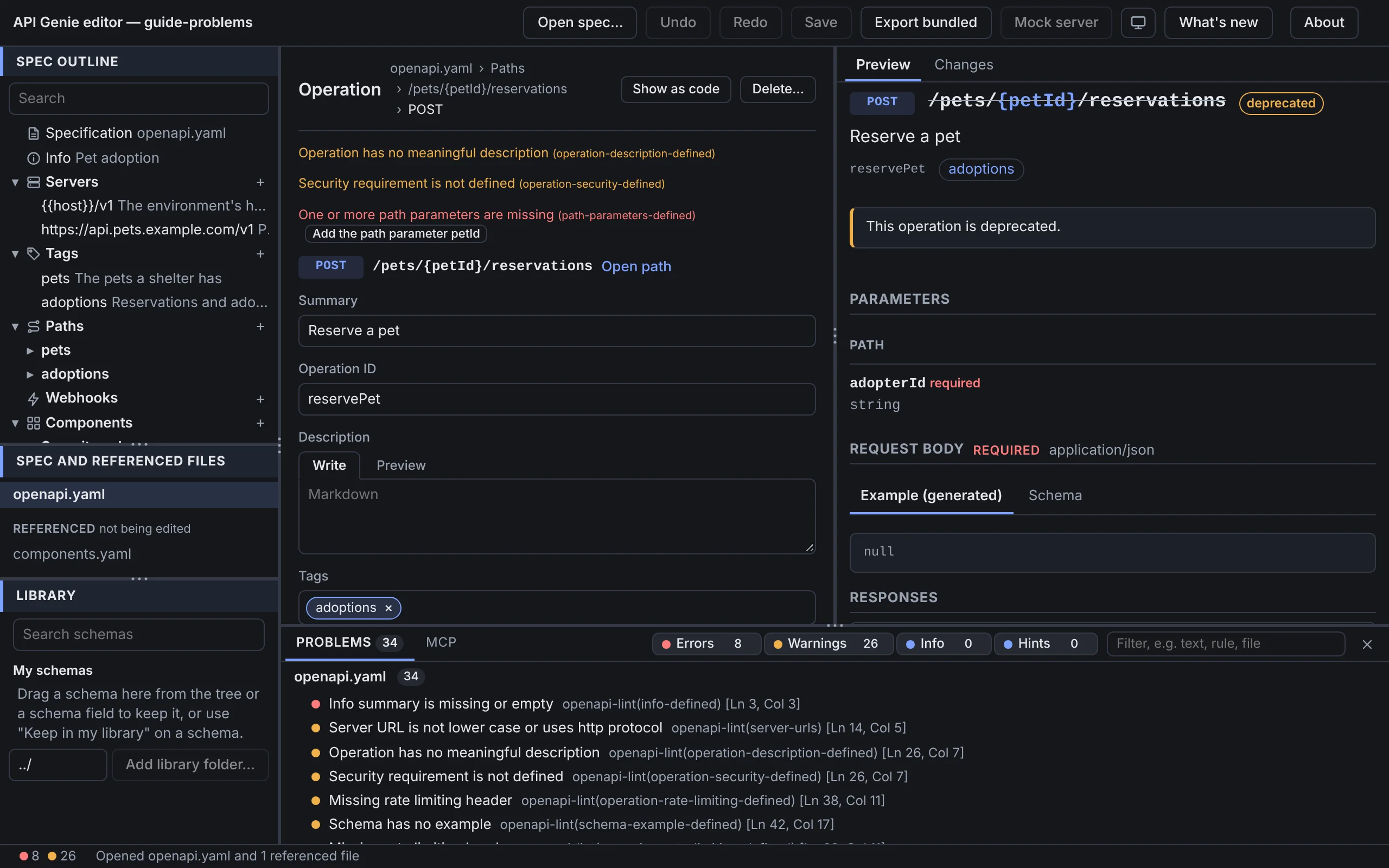
A finding shows in four places at once:
- under the field it is about, in the form, with its quick fix when there is one;
- as a count on the rows of the tree that hold the node, so that a closed section still tells;
- in the status bar, as the count of errors and the count of warnings in all the open files;
- in the Problems tab of the bottom panel, which the status bar’s counts open.
In the code editor, each finding is a mark in the gutter and under its text.
Where they come from
| Source | What it checks |
|---|---|
| parser | The file is YAML or JSON the editor can read. A syntax error stops the other checks of that file, and the form pane offers the file as code. |
| structure | The document follows the standard: the required keys, the types of values, the allowed keys of each object. |
| references | Every $ref leads to something, in the open files or inside the document. |
| examples | An example, the value of an Example Object and the payload of an AsyncAPI message example match the schema of the field that holds them. |
| openapi-lint, asyncapi-lint | The rules of apigenie lint, with the project’s configuration. |
The Problems tab names the source and, for the linter, the rule after each message, such as
openapi-lint(operation-description), with the line and column in the file.
The Problems tab
Type in Filter, e.g. text, rule, file to keep the findings whose message, rule or file match. The toggles Errors, Warnings, Info and Hints show or hide each severity; the editor keeps your choice. A click on a finding selects the node it is about and scrolls its form to the field, or opens the file as code when the finding is about the text. When nothing is left, the tab says No problems have been found in the folder.
Fix a problem
Under a field, a finding of the linter with a safe fix has Fix, which applies the change
apigenie lint --fix would make to that finding, and nothing else. Some findings of the editor’s
own checks offer a named fix instead: Add operationId getPet, Add the path parameter petId,
Remove the path parameter id, which the path does not have, Declare the tag pets. Each fix is
one undoable edit. Every other finding is fixed by hand, in the form or in the code.
Configure the linter
The linters read commands.lint of the project’s apigenie.yaml, and commands.lint.asyncapi
for AsyncAPI documents, from the file nearest to the spec, as apigenie lint finds it when run in
the spec’s folder (where the configuration is
found). A ruleset file named in extends is
read too. Without a configuration file, the default rules apply, and nothing says so; a Spectral
ruleset found in the same places gets an info finding that
names Migrate from Spectral.
What the editor’s linters leave out, with a warning under the configuration file in the
Problems tab: rules that call custom JavaScript functions, and rulesets they do not have, such
as owasp, camara and npm packages. A configuration the linter refuses is an error there, and
the default rules apply, while apigenie lint stops with exit status 2. The editor checks only
version and the lint section; apigenie config check apigenie.yaml
checks the whole file.
Where the file is found depends on the host. The desktop app reads the spec’s folder; the web editor reads the files you dropped with the spec, or the folder allowed with Allow access to their folder…, when the spec opens; VS Code reads the workspace folder, and an edit to the configuration applies as you type. The editor’s hosts has the details.
Next
Review and save changes looks at what the edits
add up to before they are written. apigenie lint in the reference
has the configuration in full, and the linter rules document every rule.